Complete Procreate Megacourse: Beginner to Expert
Taught by Ianina Chernova
Learn how to create digital art and illustrate like a pro with this step-by-step course!
Included with all-access
Get this course and every other Skillademia course with one membership.
Start 7-day free trialthen $59/year (or $14.95/mo) · cancel anytime
See all plans & lifetime →What you'll learn
- How to use Procreate and its tools
- The principles of illustrations in Procreate
- How to use different brushes
- The basics of animation
- The theory behind your creative choices
- The principles of drawing and sketching in Procreate
- The principles of character design
- How to sketch out, colour, render and master your art
- How to create 3D models
Included with all-access
Unlock all 64 courses
This course and every other Skillademia course, with one membership.
Start 7-day free trialthen $59/year (or $14.95/mo) · cancel anytime
See all plans & lifetime →30-day money-back guarantee
30-Day Money-Back Guarantee
100% refund, no questions asked.
Lifetime Access
Access your content on any device, at any time.
Friendly Support
Got a question? Ask in the course Q&A and our team is happy to help.
About The Course
Draw, paint, and animate like a pro using Procreate!
Have you ever wanted to turn your sketches into digital masterpieces? Whether you’re an artist looking to go digital, a beginner exploring illustration for the first time, or someone dreaming of a creative career - this course is for you.
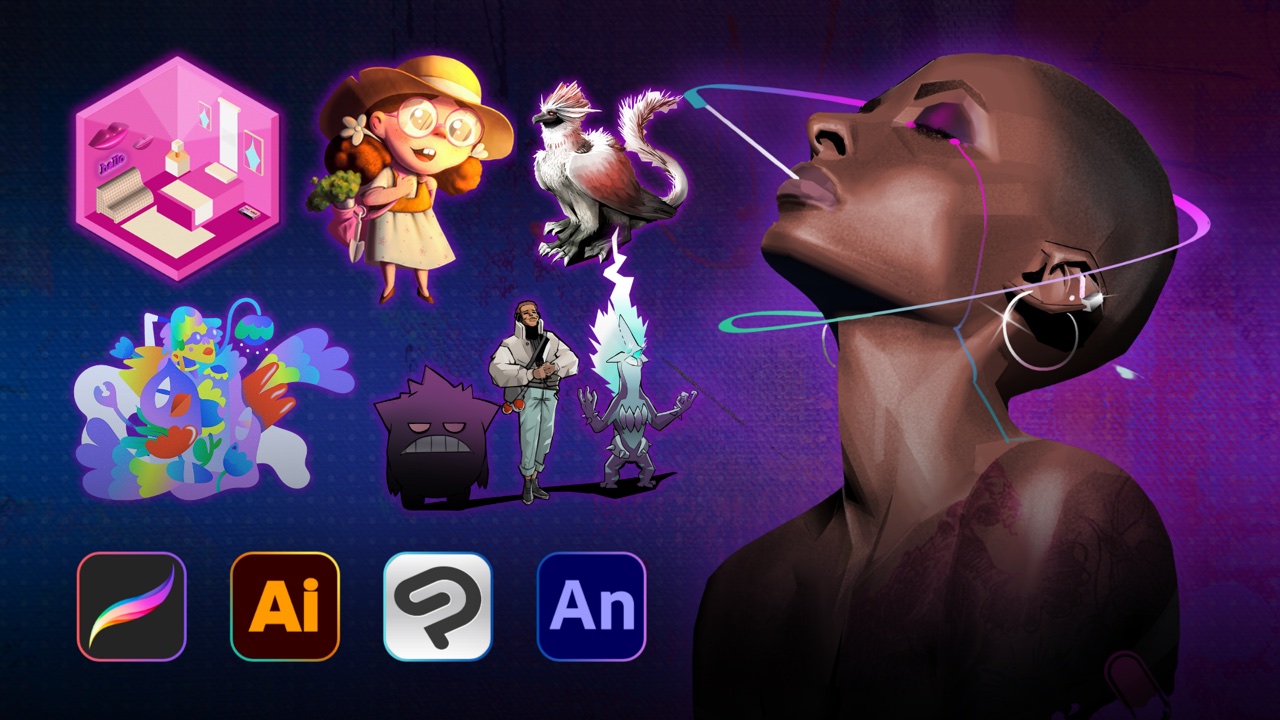
In this course, you’ll learn how to master digital illustration using Procreate, the most powerful drawing app for iPad. You’ll start with the basics - navigating the interface, using brushes, colors, layers, masks, and shortcuts. Then, you’ll explore the fundamentals of drawing, including shapes, tone, perspective, and composition. You’ll move on to creative projects like animal and character design, sticker creation, watercolor effects, paper cut illustrations, comics, typography, and more. You’ll even learn how to animate your drawings and bring portraits and landscapes to life with realistic depth.
By the end of the course, you’ll be able to create polished, high-resolution illustrations and simple animations - all on your iPad.
Our instructor has years of experience in digital art and teaching, and the carefully designed syllabus will guide you step by step through both the creative and technical aspects of Procreate. Every lesson includes on-screen demonstrations and hands-on projects to help you learn by doing.
That’s why this is the only Procreate course you’ll ever need to illustrate like a pro.
Ready to bring your art to life? Let’s get drawing!

Curriculum
9 modules · 27 hours of content
- 1 Introduction
- 2 Introduction to Procreate
- 3 Getting Started
- 4 Basics of the Art
- 5 Still Life
- 6 Illustration
- 7 Animation
- 8 Realism
What students are saying
Real reviews from students taking this course.
“It has been very useful and I have learned many new skills.”
“good explanation. voice is very clear. There is a lot of info to take in. have to go back over lessons to practice.”
“Straight forward instructions. It was easy to follow.”
“Lovely tutor with a welcoming vibe!”
“I liked this cource. :) Thank you for your lessons and explanations.”
“the explanation is very clear and its above my expectations! thank you so much <3”
Save more with a bundle
Get this course in a bundle
This course is included in a bundle - get it plus more courses for one low price.
Free reference guides
Handy free references to speed up your work while you learn.
Still choosing your tools?
Honest, side-by-side comparisons to help you pick with confidence.
Related courses
Keep building momentum with these picks.


Ready to start learning?
Get this course and every other Skillademia course with all-access. Start with a 7-day free trial, then just $59 a year.
Start 7-day free trialComplete Procreate Megacourse: Beginner to Expert
$59/yr · all 64 courses · 7-day free trial