Complete Adobe Illustrator Megacourse: Beginner to Expert
Taught by Careshia Steenkamp
Learn how to use Adobe Illustrator for graphic design and illustration like a pro with this project-based course!
Included with all-access
Get this course and every other Skillademia course with one membership.
Start 7-day free trialthen $59/year (or $14.95/mo) · cancel anytime
See all plans & lifetime →What you'll learn
- How to use Adobe Illustrator
- How to create print and digital content
- The application of basic shapes, gradients, masks, and blending
- The principles of drawing in Adobe Illustrator
- The principles and use of iconography and typography
- Tips on finding and developing your own style
- How to make charts and graphs and 3D design
- The principles of graphic design and illustration
- The effective use of tools and elements in Adobe Illustrator
- Adobe Illustrator’s effects and brushes and how to apply them
- How to design a logo
- How to create spot illustrations, geometric grid-based designs, and posters
- How to create pattern designs, zines, and isometric illustrations
Included with all-access
Unlock all 64 courses
This course and every other Skillademia course, with one membership.
Start 7-day free trialthen $59/year (or $14.95/mo) · cancel anytime
See all plans & lifetime →30-day money-back guarantee
30-Day Money-Back Guarantee
100% refund, no questions asked.
Lifetime Access
Access your content on any device, at any time.
Friendly Support
Got a question? Ask in the course Q&A and our team is happy to help.
About The Course
Create logos, posters, illustrations, and more with Adobe Illustrator - no experience needed!
Have you ever wanted to design stunning graphics, logos, or digital illustrations from scratch? Whether you’re dreaming of starting a creative career, want to upgrade your design skills, or simply love making art - this course is for you.
In this course, you’ll learn how to master Adobe Illustrator from the ground up. You’ll start by getting familiar with the interface, tools, and navigation. Then, you’ll move on to creating professional illustrations using shapes, lines, gradients, and effects. You’ll explore a wide range of creative projects, from designing logos, posters, and icons, to working with typography, patterns, spot illustrations, 3D designs, and isometric rooms. You’ll even learn how to prepare your artwork for animation and print, build your own brushes, and find your unique illustration style.
By the end, you’ll be able to create beautiful, polished digital art and graphic design projects using Illustrator - and you’ll have the skills to keep creating on your own.
Our instructor has years of experience not only in graphic design, but also in teaching, and the expertly structured syllabus is designed to be easy to follow and filled with hands-on examples. Each lesson is shown and explained step-by-step on screen so you can follow along and start creating your own original work right away.
That’s why this is the only Adobe Illustrator course you’ll ever need to design like a pro. Ready to turn your ideas into beautiful artwork? Let’s get started!
Curriculum
21 modules · 27 hours of content
- 1 Introduction to Adobe Illustrator
- 2 Functionality
- 3 Basic Shapes
- 4 Effects
- 5 Drawing in Adobe Illustrator
- 6 Brushes
- 7 Create a Logo
- 8 Iconography
What students are saying
Real reviews from students taking this course.
“Love the course.”
“This 29.5-hour course with 157 lectures divided into 22 sections is another gem on Udemy that simply can’t be missed. It’s a comprehensive and well-structured course that covers almost everything you need to know about Adobe Illustrator - from the fundamentals to advanced techniques. What I especially loved was the Character Design section, which adds a creative and engaging dimension to the learning experience. The course not only deepened my understanding but also polished my Illustrator skills to a professional level. Overall, this is an excellent and in-depth course for anyone serious about mastering Adobe Illustrator. Highly recommended!”
“Very good one”
“Perfect course ! Learnt alot from this.”
“I was a little intimidated during some lessons but I definitely gleaned enough skill to use on my job. Well done course and great instructor.”
“I have had Illustrator for a long time and never learned how to use it. This course is fun, easy to follow, and I am finally learning how to make vector graphics! :)”
Save more with a bundle
Get this course in a bundle
This course is included in a bundle - get it plus more courses for one low price.
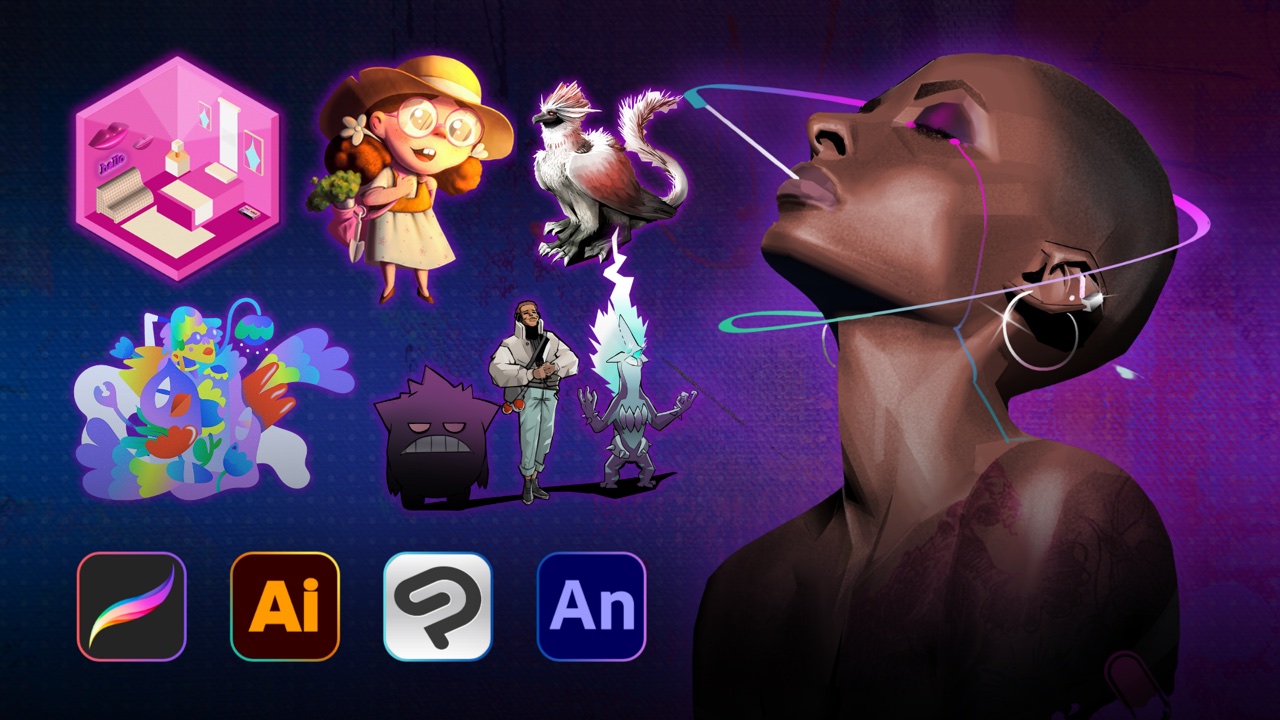
Free reference guides
Handy free references to speed up your work while you learn.
Still choosing your tools?
Honest, side-by-side comparisons to help you pick with confidence.
Related courses
Keep building momentum with these picks.


Ready to start learning?
Get this course and every other Skillademia course with all-access. Start with a 7-day free trial, then just $59 a year.
Start 7-day free trialComplete Adobe Illustrator Megacourse: Beginner to Expert
$59/yr · all 64 courses · 7-day free trial