Photoshop Creative Challenge: 15+ Projects to Master Editing, Effects & Compositions
Taught by Hosna Kachooee
Learn Photoshop by completing hands-on challenges in photo editing, visual effects, and creative design.
Included with all-access
Get this course and every other Skillademia course with one membership.
Start 7-day free trialthen $59/year (or $14.95/mo) · cancel anytime
See all plans & lifetime →What you'll learn
- Navigate Photoshop and set up your workspace
- Use essential tools, layers, and blending modes
- Apply adjustment layers for color and lighting
- Edit and retouch photos professionally
- Create cinematic and stylized color effects
- Add light effects and enhance images with AI tools
- Design visual effects like glitch, horror, and duotone
- Create double exposure and halftone effects
- Build creative compositions and full scenes
- Combine multiple techniques into complete designs
Included with all-access
Unlock all 64 courses
This course and every other Skillademia course, with one membership.
Start 7-day free trialthen $59/year (or $14.95/mo) · cancel anytime
See all plans & lifetime →30-day money-back guarantee
30-Day Money-Back Guarantee
100% refund, no questions asked.
Lifetime Access
Access your content on any device, at any time.
Friendly Support
Got a question? Ask in the course Q&A and our team is happy to help.
About The Course
Learn Photoshop by Doing, Not Just Watching
Learning Photoshop is one thing. Knowing how to use it creatively is another. Many beginners learn tools in isolation but struggle to apply them in real projects. This course changes that by focusing on hands-on challenges that build real skills while you create visually impressive work.
Instead of following only theory, you'll learn Photoshop by doing. You'll start with the essentials: workspace setup, key tools, layers, blending modes, and adjustment layers. This gives you the foundation you need to confidently begin working on creative edits.
From there, the course moves into a series of structured challenges. You'll begin with photo editing and retouching, learning how to enhance portraits, adjust colors, create cinematic looks, and add lighting effects, plus AI-powered enhancements to speed up your workflow.
Next, you'll explore visual effects, creating designs such as glitch posters, horror edits, duotone compositions, halftone styles, and double exposure effects. These projects show you how to combine tools and techniques into striking visuals.
Finally, you'll move into more advanced creative compositions. You'll build full scenes such as underwater environments, surreal effects, and fire compositions, plus stylized artwork like paper cut designs and glow effects.
Rather than focusing on isolated tools, this course helps you understand how Photoshop works as a creative system. You'll develop the ability to think like a designer, combining techniques to bring your ideas to life. By the end, you'll have completed multiple creative projects and gained the confidence to create your own designs from scratch.
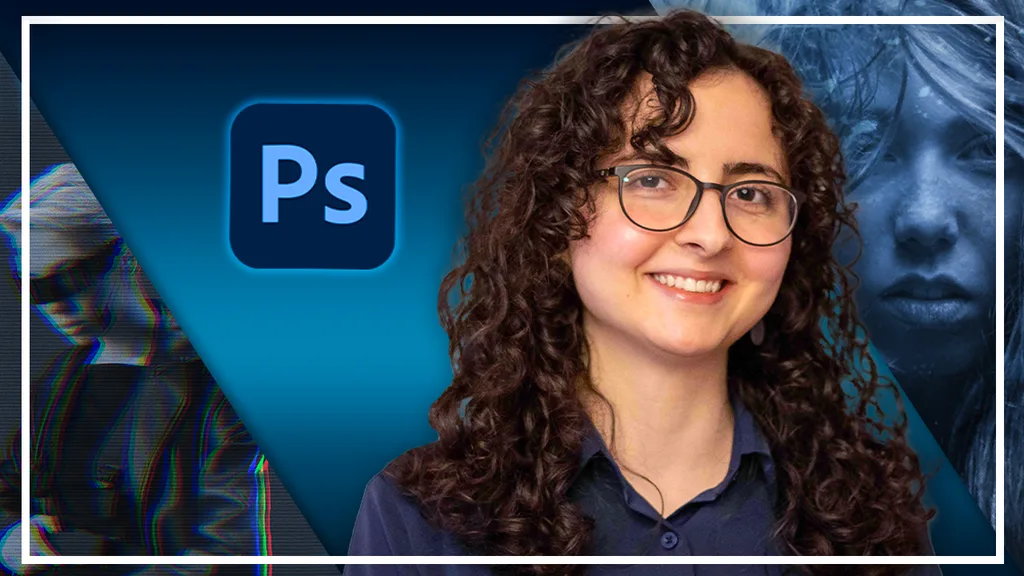
Curriculum
4 sections · 2 hours of content
1 Setting Up & Photoshop Review 5 lessons
- Create Your First Project & Workspace Setup
- Essential Tools Overview
- Layers & Blending Basics
- Adjustment Layers Introduction
- Exporting Your Work
2 Challenge 1 - Photo Editing & Retouching 5 lessons
- Change the Color of an Object
- Enhance a Portrait (Makeup & Skin)
- Create a Cinematic Gradient Map Look
- Add Light Effects
- Create an AI Photo Enhancement
3 Challenge 2 - Visual Effects 5 lessons
- Make a Glitch Effect Poster
- Create a Horror Effect
- Make a Duotone Poster
- Create a Halftone Effect
- Make a Double Exposure Effect
4 Challenge 3 - Creative Compositions 5 lessons
- Make an Underwater Scene
- Create a Frosted Glass Effect
- Make a Forest Fire Scene
- Make a Paper Cut Out Style
- Create a Human Glow Effect
Loved by learners
Join over 412,589 students building real skills with Skillademia.
“Very good information and explanation of this program. Learning a lot with this instructor. Thank you so much.”
“One of the best courses I've ever purchased! They go very much in-depth with all explanations and everything is abundantly clear!”
“Thanks for covering as much as you have. Currently working on my own game and its very helpful even if I'm still learning all the tricks.”
Related courses
Keep building momentum with these picks.
Ready to start learning?
Get this course and every other Skillademia course with all-access. Start with a 7-day free trial, then just $59 a year.
Start 7-day free trialPhotoshop Creative Challenge: 15+ Projects to Master Editing, Effects & Compositions
$59/yr · all 64 courses · 7-day free trial