Clip Studio Paint Course: Digital Illustration for Beginners
Taught by Kara Harvey-Hill
Learn to draw, color, shade, and create polished digital illustrations in Clip Studio Paint through practical exercises and a complete project.
Included with all-access
Get this course and every other Skillademia course with one membership.
Start 7-day free trialthen $59/year (or $14.95/mo) · cancel anytime
See all plans & lifetime →What you'll learn
- Navigate the Clip Studio Paint interface confidently
- Set up your tablet and workspace correctly
- Create and organize digital art projects
- Understand layers, brushes, and essential tools
- Build sketches and clean linework
- Use the color wheel and digital coloring techniques
- Apply clipping masks and blending modes
- Create shading and lighting effects
- Download and install custom brushes
- Render materials and improve illustration quality
- Export and organize artwork professionally
Included with all-access
Unlock all 64 courses
This course and every other Skillademia course, with one membership.
Start 7-day free trialthen $59/year (or $14.95/mo) · cancel anytime
See all plans & lifetime →30-day money-back guarantee
30-Day Money-Back Guarantee
100% refund, no questions asked.
Lifetime Access
Access your content on any device, at any time.
Friendly Support
Got a question? Ask in the course Q&A and our team is happy to help.
About The Course
Learn Digital Illustration in Clip Studio Paint
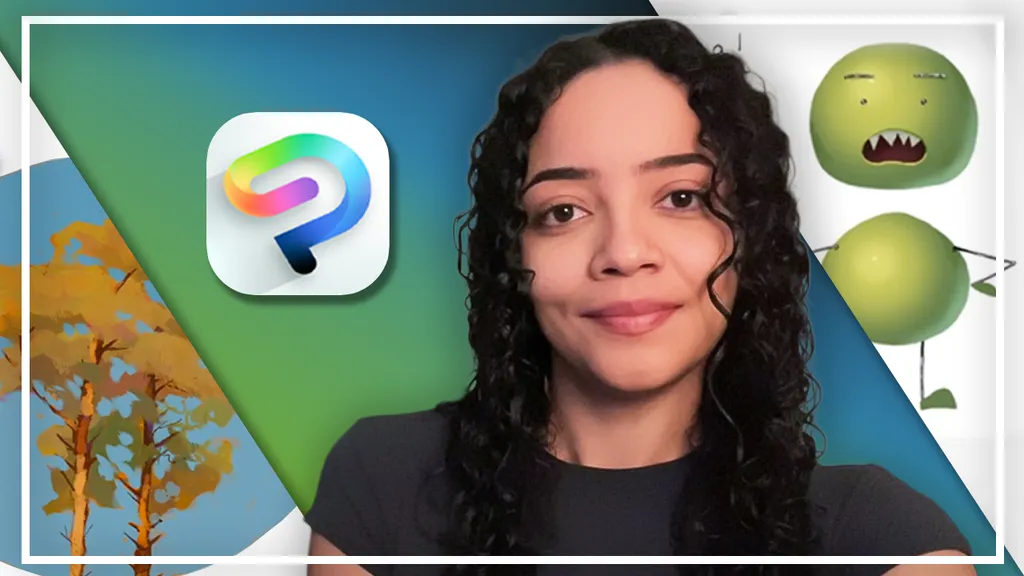
Clip Studio Paint gives digital artists a powerful set of tools for sketching, linework, coloring, and illustration. This beginner-friendly course teaches you how to use those tools step by step while developing the fundamental skills needed to create your own digital artwork.
You'll begin by setting up Clip Studio Paint for your workflow, from choosing the right version and configuring your drawing tablet to creating your first canvas. You'll then become familiar with the interface, navigation controls, essential tools, layers, and brushes so you can work comfortably and efficiently.
From there, you'll focus on the core drawing and coloring techniques used in digital illustration: clean linework, choosing and applying colors, working with the color wheel, organizing layers, and using tools such as clipping masks and the Lasso tool. A dedicated shading exercise helps you understand how light and shadow create depth and form.
As your skills progress, you'll work with more advanced coloring techniques, including Gradient Maps, gradients, blending modes, and custom brushes, then bring everything together in a complete tree illustration project, taking your artwork from sketch through coloring and shading to the final details.
Whether you're completely new to digital art, moving from traditional drawing to digital illustration, or simply getting started with Clip Studio Paint, this course gives you a practical foundation for creating polished artwork with confidence.
Curriculum
4 sections · 9 hours of content
1 Getting Started 7 lessons
- Introduction, Instructor Experience & Course Overview
- Choosing the Right Version of Clip Studio Paint
- Tablet and Driver Setup
- Creating Your First Canvas
- Workspace Overview
- Navigation Tools (Zoom, Rotate, Flip Canvas)
- Essential Tools & Toolbar
2 Core Drawing Skills 8 lessons
- Introduction to Layers & Brush Basics
- Process of Creating a Rough Sketch
- Linework
- Basics of Colouring and Using the Colour Wheel
- Using Clipping Masks
- Using the Lasso Tool
- Shading Exercise: Drawing a Sphere
- Keeping Layers Neat: Layer Folders
3 Color Lighting & Brushes 5 lessons
- Gradient Maps
- Introduction to Blending Modes and Gradients
- Downloading and Installing Brushes
- Creating a 3D Character & Using Soft and Hard Light Layer Types
- Rendering Materials
4 Final Illustration Project 5 lessons
- Sketching a Tree Illustration
- Coloring and Shading the Illustration
- Final Touches and Details
- Exporting Your Artwork (PNG & JPEG)
- File Management and Organization
What students are saying
Real reviews from students taking this course.
“enjoying this course”
“It's one of the best ClipStudio courses I've done, because it not only shows how to use the tool, but also how it develops different illustration techniques. Some videos are a bit slow because there is a lot of silence, but they are worth watching.”
“The course is a great course in paint graphics. The instructor is calm and teaches well. Thanks”
“The techniques and tips in this course were great! I found them useful for my projects. Watching the instructor work through their choices of layers and colors has helped me understand why something works and why it does not. I would definitely recommend this course to someone struggling with how to use Clip Studio Paint.”
“I found it useful to learn to draw certain characters, overall pretty good.”
Save more with a bundle
Get this course in a bundle
This course is included in a bundle - get it plus more courses for one low price.
Free reference guides
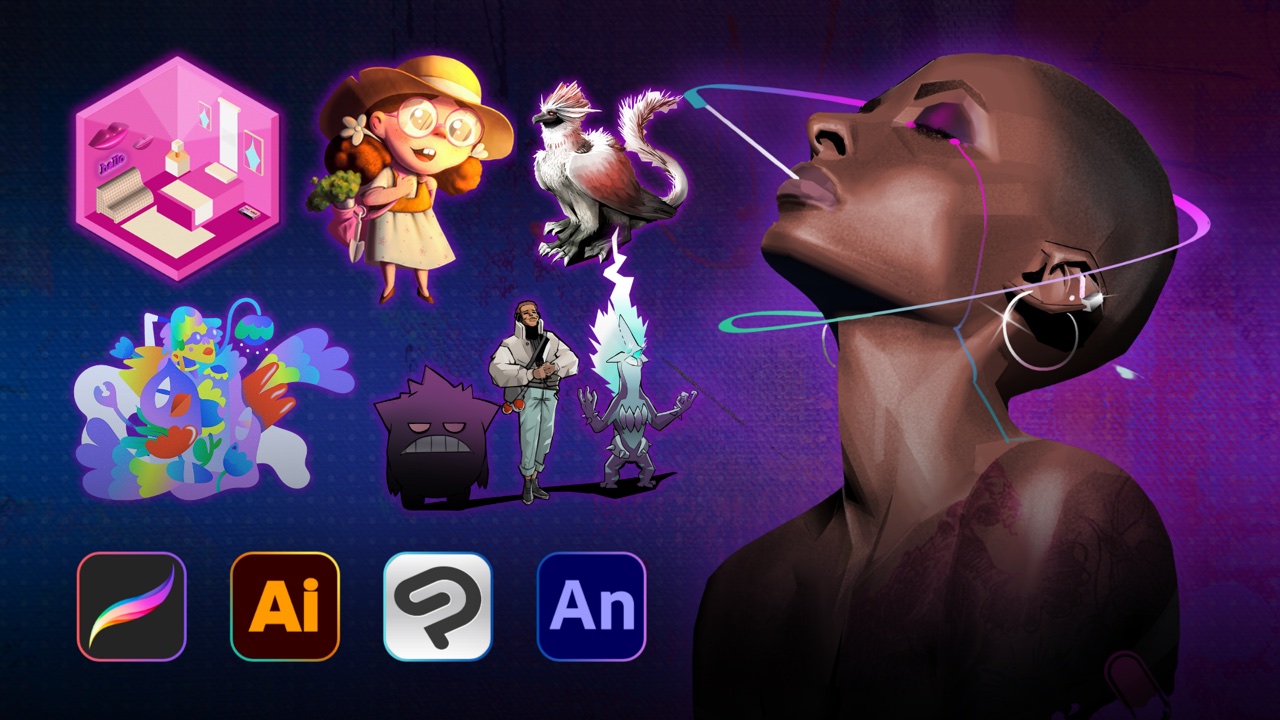
Handy free references to speed up your work while you learn.
Related courses
Keep building momentum with these picks.



Ready to start learning?
Get this course and every other Skillademia course with all-access. Start with a 7-day free trial, then just $59 a year.
Start 7-day free trialClip Studio Paint Course: Digital Illustration for Beginners
$59/yr · all 64 courses · 7-day free trial