CapCut Challenge Course: 3 Real Video Editing Projects
Taught by Hosna Kachooee
Master CapCut by creating a story video, horror edit, and music video with hands-on challenges.
Included with all-access
Get this course and every other Skillademia course with one membership.
Start 7-day free trialthen $59/year (or $14.95/mo) · cancel anytime
See all plans & lifetime →What you'll learn
- Navigate CapCut on desktop and mobile
- Edit videos using timeline tools (cut, trim, arrange)
- Use auto captions and AI features
- Structure videos with a clear beginning, middle, and end
- Create story-based video content
- Apply effects, transitions, and sound design
- Build suspense and atmosphere in edits
- Sync video with music and rhythm
- Color grade videos for different moods
- Export videos for social media
Included with all-access
Unlock all 64 courses
This course and every other Skillademia course, with one membership.
Start 7-day free trialthen $59/year (or $14.95/mo) · cancel anytime
See all plans & lifetime →30-day money-back guarantee
30-Day Money-Back Guarantee
100% refund, no questions asked.
Lifetime Access
Access your content on any device, at any time.
Friendly Support
Got a question? Ask in the course Q&A and our team is happy to help.
About The Course
Many people learn the basics of CapCut but struggle when it comes to actually building complete videos that feel structured, creative, and polished. This course is designed to solve that by teaching you through real creative challenges. Instead of focusing only on tools, you’ll learn by creating.
You’ll start with the fundamentals, understanding how CapCut works, how to navigate the interface, and how to edit your first video using core tools like cutting, trimming, layers, and timeline control. You’ll also explore essential features like auto captions and AI tools that can speed up your workflow.
From there, the course moves into three structured challenges designed to help you apply your skills in real scenarios.
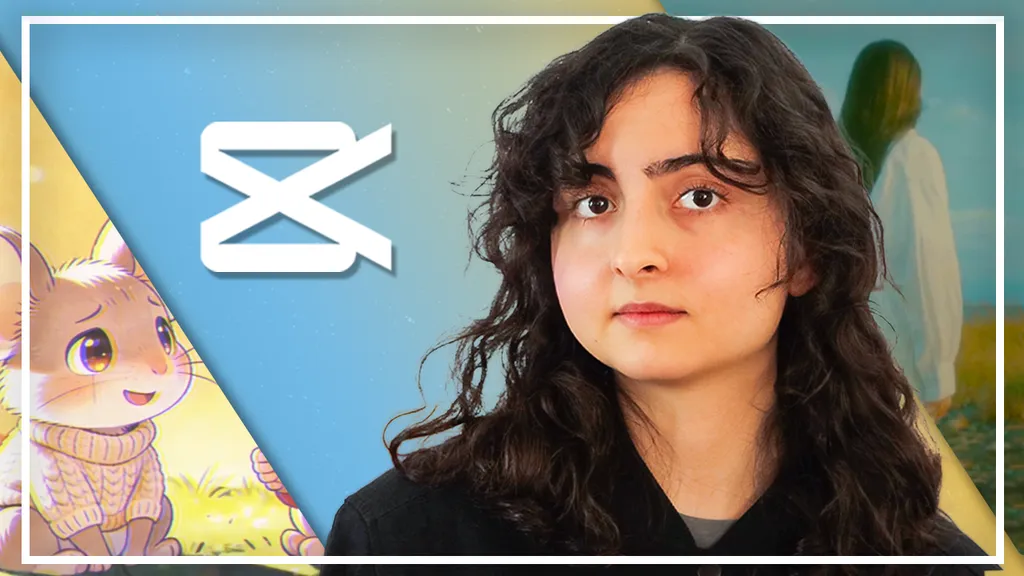
In the first challenge, you’ll create a children’s story video. You’ll learn how to develop a simple idea, generate or find visuals, structure a narrative, and combine voice, text, and visuals into a cohesive video.
In the second challenge, you’ll create a horror-style edit. You’ll focus on pacing, suspense, sound design, effects, and color grading to build atmosphere and emotion.
In the final challenge, you’ll create a music video edit. You’ll learn how to organize footage, sync visuals to music, apply transitions, and polish your final result.
Rather than learning features in isolation, this course helps you understand how editing works as a creative process. You’ll develop the ability to plan, structure, and execute videos from start to finish.
By the end of the course, you’ll have completed multiple creative projects and gained the confidence to create your own videos for social media or personal use.
Let’s start creating!
Curriculum
4 modules · 2 hours of content
- 1 Getting Started with CapCut
- 2 Challenge 1: Create a Children’s Story Video
- 3 Challenge 2: Create a Horror Edit
- 4 Challenge 3: Create a Music Video Edit
Free reference guides
Handy free references to speed up your work while you learn.
Related courses
Keep building momentum with these picks.

Ready to start learning?
Get this course and every other Skillademia course with all-access. Start with a 7-day free trial, then just $59 a year.
Start 7-day free trialCapCut Challenge Course: 3 Real Video Editing Projects
$59/yr · all 64 courses · 7-day free trial