Blender Environments Course: Create 3D Environments
Taught by Emily Porterfield
Learn how to design in Blender and create amazing 3D environments and worlds with this project-based course!
Included with all-access
Get this course and every other Skillademia course with one membership.
Start 7-day free trialthen $59/year (or $14.95/mo) · cancel anytime
See all plans & lifetime →What you'll learn
- The principles of environment art
- How to use Blender and its elements
- The principles of mesh modelling and scene blockout
- How to plan and prepare your pre-production stages
- How to create game assets
- Advanced modeling, texturing and rendering techniques
- How to put these skills together to create your own 3D world
- Make a 3D art ready portfolio
Included with all-access
Unlock all 64 courses
This course and every other Skillademia course, with one membership.
Start 7-day free trialthen $59/year (or $14.95/mo) · cancel anytime
See all plans & lifetime →30-day money-back guarantee
30-Day Money-Back Guarantee
100% refund, no questions asked.
Lifetime Access
Access your content on any device, at any time.
Friendly Support
Got a question? Ask in the course Q&A and our team is happy to help.
About The Course
Have you ever imagined crafting your own fantasy world from scratch? Whether for games, animation, or storytelling, environment art is at the heart of immersive experiences - and Blender gives you the tools to bring those worlds to life. Whether you’re just starting out or looking to deepen your skills in 3D design, this course is your complete guide to creating breathtaking environments from start to finish.
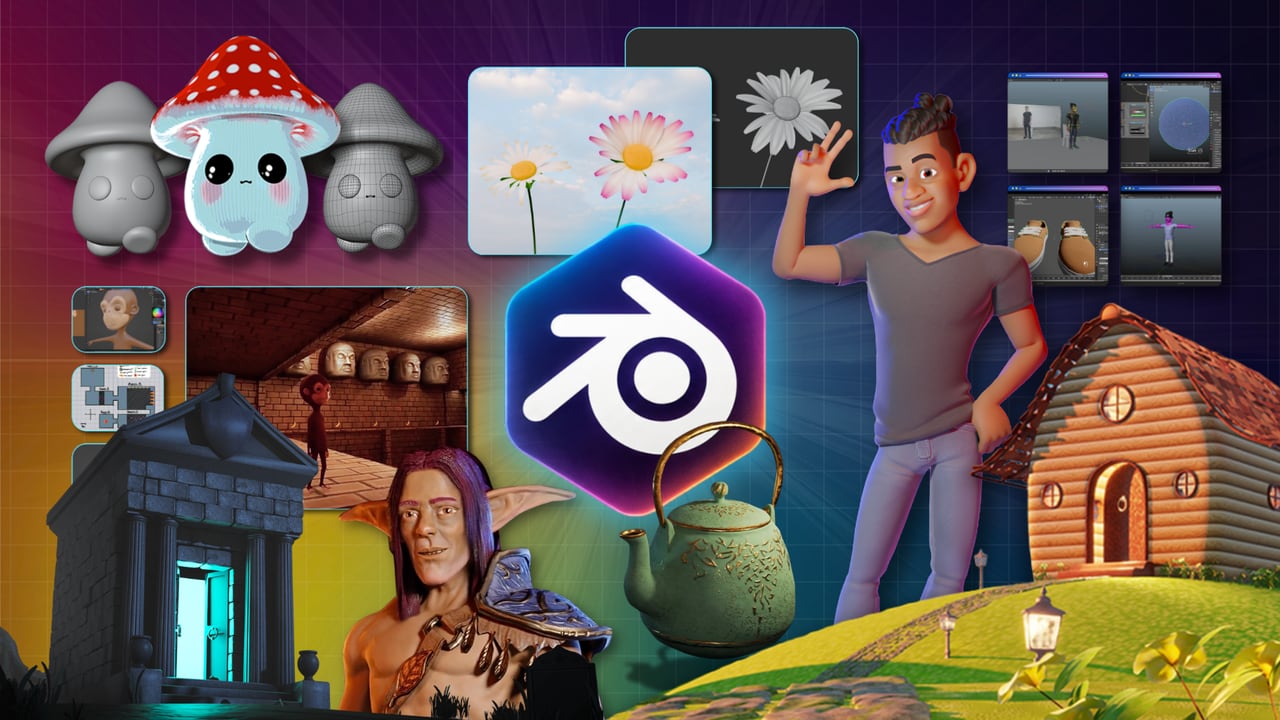
In this course, you’ll learn how to create fully realized 3D environments using Blender, the industry-favorite open-source software. We’ll start with planning and reference gathering, before diving into the foundations of modeling, UV unwrapping, texturing, lighting, and rendering. You’ll work on two major projects, including a gothic graveyard and a medieval town, building environments that feel rich, detailed, and alive. You’ll also explore foliage generation, animation, atmospheric effects, and portfolio-ready composition techniques.
Our instructors bring years of experience in both 3D design and teaching, and the curriculum is designed to be practical, thorough, and beginner-friendly. Every step is demonstrated on-screen, and you’ll walk away with finished environment art to showcase your new skills.
Start building immersive 3D worlds today - right inside Blender.
Curriculum
16 modules · 42 hours of content
- 1 Introduction
- 2 Planning and Pre-production
- 3 Blender Basics
- 4 Scene Blockout
- 5 Object Modeling
- 6 UV Unwrapping
- 7 Textures
- 8 Foliage & Finishing Touches
What students are saying
Real reviews from students taking this course.
“Well-trained voice, pleasant to listen to, no fluff.”
“i learned a different way of texturing, so its nice to see different styles and perspectives.”
“good listening voice, well paced, structured, highly informative. relaxed but concise and clear, the best.”
“It is very good, I am learning a lot. Very good instruction, with examples. She goes at a good pace, not too fast.”
“So far so good. Very good for learning all aspects of making 3D Environments in Blender.”
Save more with a bundle
Get this course in a bundle
This course is included in 2 bundles - get it plus more courses for one low price.
Related courses
Keep building momentum with these picks.
Ready to start learning?
Get this course and every other Skillademia course with all-access. Start with a 7-day free trial, then just $59 a year.
Start 7-day free trialBlender Environments Course: Create 3D Environments
$59/yr · all 64 courses · 7-day free trial