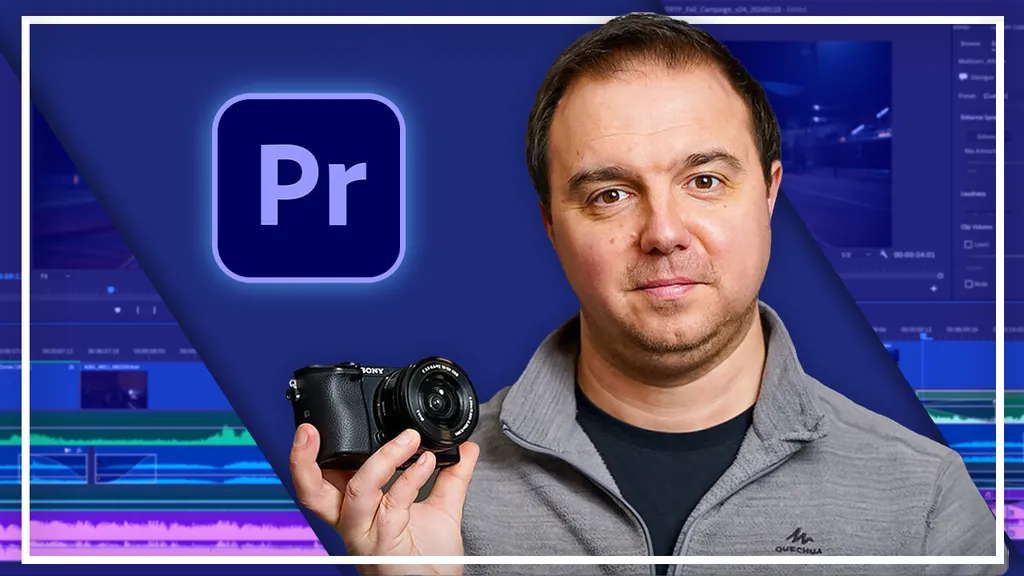
Complete Adobe Premiere Pro Megacourse: Beginner to Expert
Taught by Adam Bowles, Hosna Kachooee
Learn how to edit videos and produce like a pro with this step-by-step course!
Included with all-access
Get this course and every other Skillademia course with one membership.
Start 7-day free trialthen $59/year (or $14.95/mo) · cancel anytime
See all plans & lifetime →What you'll learn
- How to use Premiere Pro and its elements
- The principles of video editing
- How to create and work with sequences
- How to do transitions
- How to add and use audio in your videos
- How to use graphics and animate
- How to edit specific types of video (e.g., wedding, travel, vintage, etc.)
- How to apply different styles and effects to your videos
- Advanced audio techniques
- The interface and different tools of Premiere Pro
- Tips and best practices for interpreting media
- How to manipulate media
- Different keyboard shortcuts and how to use them in the best way
- The principles of colour correction and grading
- How to use plug-ins in the most efficient way
Included with all-access
Unlock all 64 courses
This course and every other Skillademia course, with one membership.
Start 7-day free trialthen $59/year (or $14.95/mo) · cancel anytime
See all plans & lifetime →30-day money-back guarantee
30-Day Money-Back Guarantee
100% refund, no questions asked.
Lifetime Access
Access your content on any device, at any time.
Friendly Support
Got a question? Ask in the course Q&A and our team is happy to help.
About The Course
Master video editing and create professional-quality videos with Adobe Premiere Pro!
Ever wanted to turn your raw footage into stunning videos? Whether you’re editing home videos, creating content for social media, or aspiring to professional video production, Adobe Premiere Pro is the industry-leading software that makes editing accessible and enjoyable.
In this practical, hands-on course, you’ll learn all the essential Premiere Pro skills, from importing and managing media, trimming clips, applying transitions, and mastering audio, to advanced techniques like keyframing animations, color grading, essential graphics, and dynamic effects. You’ll also explore how to fix common issues such as shaky footage, incorrect lighting, and audio problems.
Guided by experienced video editors and instructors, each lesson provides step-by-step tutorials and clear demonstrations. You’ll build practical skills by working through real-world examples, ensuring you can confidently produce engaging videos for any purpose.
Enroll now and start turning your video clips into captivating, professional projects today!
Curriculum
26 modules · 50 hours of content
- 1 Downloading Premiere Pro
- 2 Overview of Adobe Premiere Pro
- 3 Setting Up Premiere Pro
- 4 Importing Media
- 5 Interpreting Media
- 6 Working with Sequences
- 7 Program Updates
- 8 Keyboard Shortcuts
What students are saying
Real reviews from students taking this course.
“This is one of the best Adobe Premiere Pro courses I have taken. The instructor explains everything step by step, making it easy for beginners while also covering advanced techniques. I learned video editing, motion graphics, effects, color correction, audio editing, and many practical workflows that I can apply to real client projects. The course greatly improved my editing skills and gave me the confidence to work professionally. Thank you for creating such a comprehensive and valuable course. Highly recommended!”
“A professionally designed course that delivers real value. The concepts are explained clearly, the workflow is practical, and every lesson contributes to becoming a more confident editor. Highly recommended.”
“very in depth course he explains everything well you will learn what you need with this course..”
“excellent learning”
“very nice”
“this course is amazing for me to improve my personal skill.”
Free reference guides
Handy free references to speed up your work while you learn.
Still choosing your tools?
Honest, side-by-side comparisons to help you pick with confidence.
Related courses
Keep building momentum with these picks.

Ready to start learning?
Get this course and every other Skillademia course with all-access. Start with a 7-day free trial, then just $59 a year.
Start 7-day free trialComplete Adobe Premiere Pro Megacourse: Beginner to Expert
$59/yr · all 64 courses · 7-day free trial