Blender Crash Course: Create a Realistic Dessert from Scratch
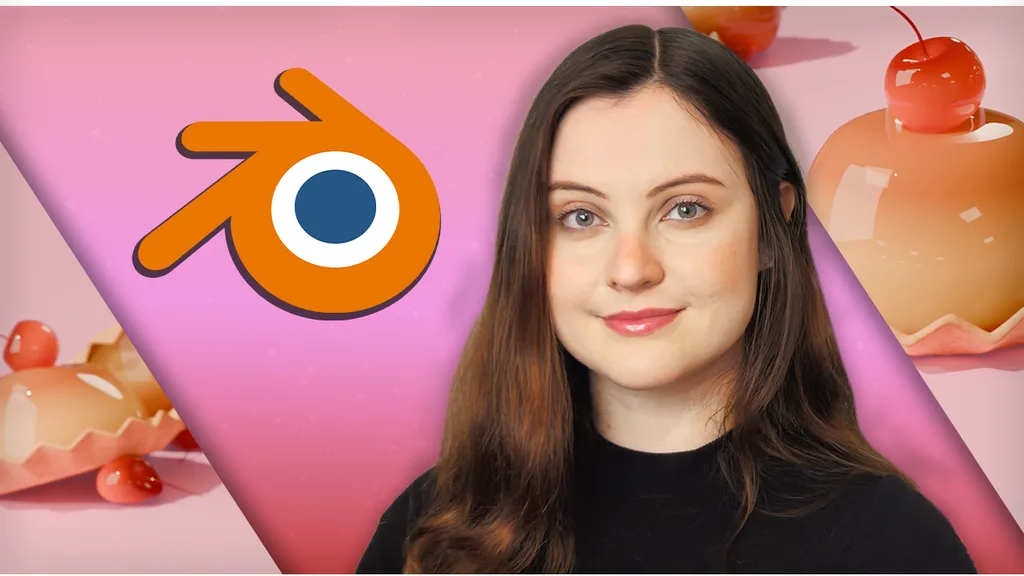
Taught by Caroline Conde
A beginner-friendly Blender crash course. Model, shade, light and render a realistic dessert from scratch in about an hour, no experience needed.
Included with all-access
Get this course and every other Skillademia course with one membership.
Start 7-day free trialthen $59/year (or $14.95/mo) · cancel anytime
See all plans & lifetime →What you'll learn
- Navigate Blender's interface confidently
- Move around the 3D viewport efficiently
- Work in Object Mode and Edit Mode
- Model objects using extrusion and loop cuts
- Use proportional editing for smooth shapes
- Apply bevel and subdivision modifiers
- Create realistic materials using Blender shaders
- Work with roughness and subsurface scattering
- Set up simple, professional lighting
- Use HDRIs for realistic illumination
- Compose attractive camera shots
- Render high-quality images using Eevee
- Export your finished render
Included with all-access
Unlock all 64 courses
This course and every other Skillademia course, with one membership.
Start 7-day free trialthen $59/year (or $14.95/mo) · cancel anytime
See all plans & lifetime →30-day money-back guarantee
30-Day Money-Back Guarantee
100% refund, no questions asked.
Lifetime Access
Access your content on any device, at any time.
Friendly Support
Got a question? Ask in the course Q&A and our team is happy to help.
About The Course
Curious about Blender but not sure where to start? This crash course is the perfect introduction to Blender and 3D art. In about an hour, you'll build a realistic dessert from scratch while learning the essential tools and workflows that every Blender artist uses.
Instead of overwhelming you with every feature Blender has to offer, we focus on one complete project that teaches the fundamentals in a practical, enjoyable way. By the end, you'll have created a polished render of a realistic flan dessert, complete with materials, lighting and professional camera composition.
You'll model your dessert using essential tools like Extrude, Loop Cuts, Bevel and Subdivision Surface, then bring it to life with believable materials using colors, roughness and subsurface scattering. From there you'll light the scene with simple techniques and HDRIs, set up an attractive camera composition, and render your final image in Eevee.
It's designed for complete beginners, hobbyists and digital artists exploring Blender for the first time. No experience is needed, just a fast, project-based introduction that leaves you with a finished piece and the confidence to keep going.
Curriculum
8 modules · 1 hours of content
- 1 Getting started: the Blender interface and viewport
- 2 Blocking out the dessert shape
- 3 Modeling with extrusion, loop cuts and bevels
- 4 Smoothing shapes with proportional editing and modifiers
- 5 Creating realistic materials and shaders
- 6 Lighting the scene with HDRIs
- 7 Setting up the camera and composition
- 8 Rendering and exporting your final image
Free reference guides
Handy free references to speed up your work while you learn.
Related courses
Keep building momentum with these picks.
Ready to start learning?
Get this course and every other Skillademia course with all-access. Start with a 7-day free trial, then just $59 a year.
Start 7-day free trialBlender Crash Course: Create a Realistic Dessert from Scratch
$59/yr · all 64 courses · 7-day free trial